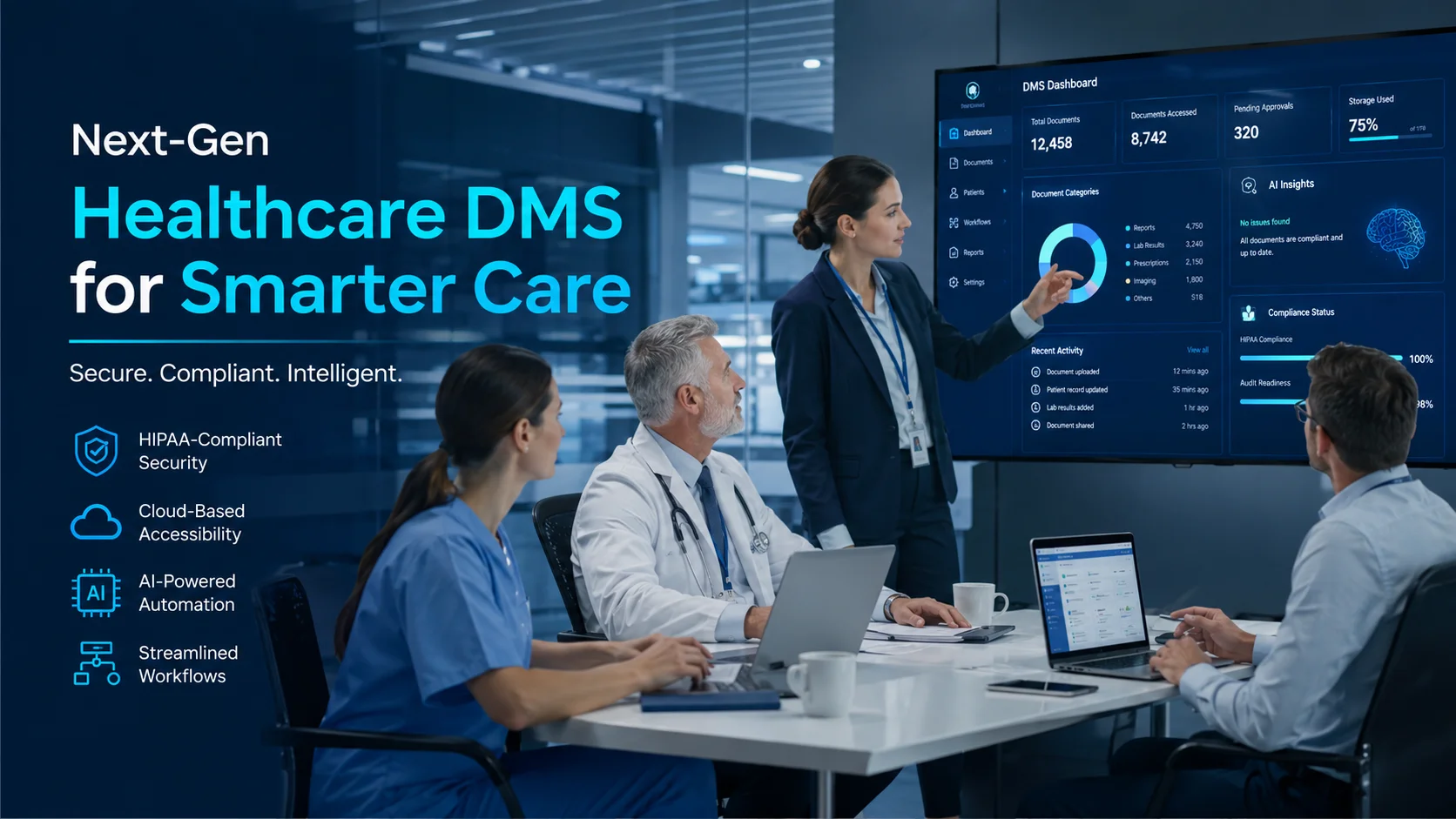
Healthcare DMS Software: Features and Benefits Healthcare DMS Software: Features and Benefits Paper records buried in filing cabinets. Patient files scattered across shared drives. Consent forms stuck in someone’s email inbox. Healthcare organizations deal with more documents than almost any other industry — and the cost of disorganization shows up in delayed care, compliance gaps, and staff frustration. Healthcare DMS software centralizes all of that chaos into one searchable, secure platform. This guide covers what healthcare document management systems do, the features that matter most, and how to evaluate whether your organization is ready for one. What Is Healthcare DMS Software Healthcare document management systems digitize, store, and manage patient records and administrative files to improve security, compliance, and operational efficiency. A healthcare DMS replaces paper filing cabinets and scattered shared drives with one centralized platform where authorized staff can find any document in seconds. The software handles the entire document lifecycle — from the moment a file enters your system to when it’s archived or deleted. You’re essentially giving your organization a digital filing system that actually works. Here’s what a healthcare DMS does at its core: >Capture: Scan paper documents or import electronic files into one place >Store: Keep all records in a secure, centralized repository >Organize: Tag and categorize files so they’re easy to find later >Retrieve: Search by keyword, patient name, or date and pull up results instantly Why Healthcare Organizations Need Document Management Software Paper slows everything down. An AMIA survey found 81% of physicians say documentation time impedes patient care — when a nurse spends ten minutes looking for a consent form instead of caring for patients, that’s time nobody gets back. And when files live in different cabinets, shared drives, and email inboxes, things get lost. HIPAA adds another layer of complexity, with penalties up to $2,190,294 per violation. Auditors want to see exactly who accessed patient information and when. Without automatic tracking, proving compliance becomes a manual headache that pulls staff away from their actual jobs. Most healthcare organizations start looking for a DMS when they notice patterns like: >Compliance pressure: Audits require documented access trails and retention policies >Slow patient care: Staff spend too much time hunting for records >Security risks: Paper files and uncontrolled folders expose sensitive data >Operational bottlenecks: Manual approvals and sign-offs delay care delivery Request a Demo to see how DMSNext eliminates document bottlenecks. Key Features of Healthcare DMS Software Not every document management system offers the same capabilities. The features below tend to matter most in healthcare settings, where security and speed both count. Role-Based Access Control for Patient Data Role-based access control (RBAC) limits who can see what based on job function. A billing specialist views financial records. A physician accesses clinical notes. Each person gets exactly the permissions their role requires — nothing more, nothing less. RBAC creates a clear record of who accessed which documents, which becomes valuable during audits. Secure Document Storage and Encryption Healthcare DMS platforms protect files with encryption both at rest (when stored) and in transit (when moving between devices). Even if someone intercepts a file, they can’t read it without the encryption key. Organizations can choose between cloud-based storage, on-premise servers, or a hybrid approach depending on their infrastructure and compliance preferences. OCR Search for Medical Records Optical Character Recognition (OCR) converts scanned paper documents into searchable text. Instead of flipping through pages or opening dozens of PDFs, staff type a patient name or keyword and find the exact document immediately. OCR transforms old paper archives into instantly accessible digital resources — a big deal for organizations with years of legacy records. Workflow Automation and Digital Signatures Automated routing moves documents through approval chains without manual handoffs. Referrals, consent forms, and prescriptions flow to the right people automatically. Digital signatures capture sign-offs electronically, so nothing stalls waiting for someone to physically sign a piece of paper. Version Control and Audit Logs Version control tracks every edit and lets you restore earlier versions if something goes wrong. Audit logs record who accessed, modified, or shared each file — information that auditors specifically look for during compliance reviews. Together, version control and audit logs create a complete history of document activity. Cloud and Mobile Access for Distributed Care Teams Physicians, nurses, and administrators can securely access records from any location or device. Cloud and mobile access supports telehealth visits, multi-clinic operations, and remote work without compromising security. Integrations with EHR, ERP, and HRMS Healthcare DMS connects with existing systems through APIs and pre-built connectors. Patient data flows between the DMS and electronic health records, billing platforms, and HR systems without duplicate entry. Feature What It Does Role-Based Access Control Restricts document access by user role Secure Storage & Encryption Protects files at rest and in transit OCR Search Makes scanned documents searchable Workflow Automation Routes approvals and captures digital signatures Version Control & Audit Logs Tracks changes and access history Cloud & Mobile Access Enables secure remote document access System Integrations Connects with EHR, ERP, HRMS, and email Benefits of Using a Healthcare Document Management System Features describe what the software does. Benefits explain what changes for your organization after implementation. Stronger HIPAA Compliance and Audit Readiness Automatic audit trails and access logs keep organizations prepared for regulatory reviews. When auditors arrive, you can show exactly who viewed patient information and when — without scrambling to compile records manually. Faster Patient Record Retrieval Instant search replaces manual file hunting. Clinicians access patient information in seconds rather than minutes, which directly affects how quickly they can deliver care. Reduced Manual Paperwork and Document Costs Digital workflows eliminate printing, physical storage space, and manual filing labor. Staff time shifts from paper management to patient care, and storage costs drop as filing cabinets become unnecessary. Improved Collaboration Across Clinics and Departments Real-time document sharing with controlled permissions keeps distributed teams aligned. Comments and reviews happen within the system, eliminating the version confusion that comes with email attachments. Better Protection for Sensitive Health

