Compare Top Document Workflow Software for Enterprise Teams
Businesses today need more than simple file storage systems. Modern enterprises require advanced document workflow software that automates approvals, improves collaboration, strengthens compliance, and centralizes document management across departments.
The right workflow management solution reduces manual processing, accelerates approvals, improves visibility, and removes operational bottlenecks. Organizations looking for scalable document management vendor solutions are increasingly investing in automation-driven platforms to improve productivity and digital transformation efforts.
This guide compares the top document workflow software platforms, explains critical features, and helps enterprises choose the best workflow automation solution for long-term operational efficiency.
What Is Document Workflow Software
Document workflow software automates how files move through business processes, departments, and approval chains. Instead of relying on email threads, spreadsheets, or manual approvals, workflow systems automatically route files, assign tasks, track changes, and maintain compliance records.
Modern enterprise systems also integrate with ERP, CRM, HRMS, and cloud platforms to centralize operations. According to IBM, workflow automation improves operational efficiency while reducing repetitive manual tasks across enterprise environments.
Businesses exploring top document management software features often prioritize automation, advanced search, cloud access, and compliance controls.
Why Businesses Use Document Workflow Management Software
Manual document handling creates delays, version confusion, security risks, and compliance challenges. Workflow automation standardizes these processes while improving collaboration between teams.
- Faster approvals: Automated routing speeds up document processing
- Improved collaboration: Teams work from centralized repositories
- Enhanced compliance: Audit trails and permissions improve governance
- Reduced manual work: Automation eliminates repetitive tasks
- Better security: Role-based access protects sensitive documents
Tip: Businesses handling contracts, invoices, HR files, or compliance records benefit significantly from automated workflow management systems.
Features to Look for in Document Workflow Software
Workflow Automation
The best platforms automate approvals, notifications, escalations, and document routing without constant employee intervention.
Version Control
Version tracking ensures employees always access the latest approved document while preserving historical records.
Cloud-Based Access
Cloud systems improve remote accessibility and operational flexibility. According to AWS, cloud infrastructure helps businesses scale operations securely and efficiently.
Organizations implementing document management solutions in the USA increasingly prioritize cloud accessibility and enterprise scalability.
Security and Compliance
Enterprise workflow systems should include encrypted storage, access controls, audit logs, and regulatory compliance support.
OCR and Intelligent Search
OCR technology converts scanned files into searchable digital documents for faster retrieval and improved operational efficiency.
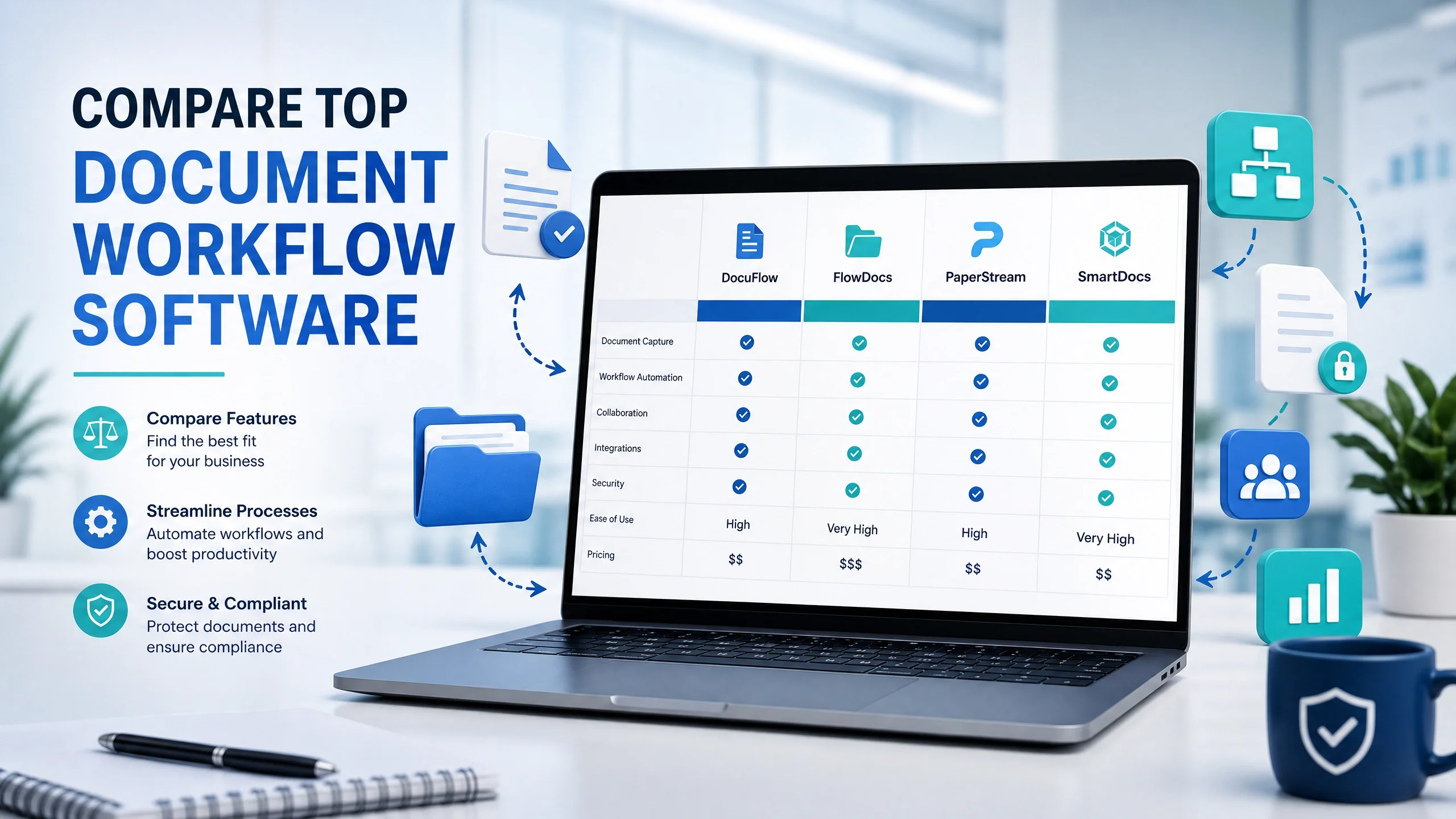
Compare Top Document Workflow Software Platforms
| Platform | Best For | Key Feature | Deployment |
|---|---|---|---|
| EDMS Next | Enterprise workflow automation | Custom workflow management | Cloud & On-Premise |
| DocuWare | Invoice processing | Document indexing | Cloud |
| M-Files | Knowledge management | Metadata organization | Hybrid |
| Laserfiche | Compliance-heavy industries | Records management | Cloud & On-Premise |
| SharePoint | Microsoft ecosystem | Collaboration workflows | Cloud |
How EDMS Next Simplifies Workflow Automation
EDMS Next combines document management, workflow automation, collaboration, OCR, compliance tracking, and secure cloud access into one enterprise-ready platform.
The platform helps organizations automate approvals, manage digital records, track workflow activity, and improve operational visibility across departments.
Companies across multiple industry solutions use workflow automation to reduce processing delays and improve document security.
Key Capabilities
- Automated approvals: Route documents between departments automatically
- Centralized storage: Manage enterprise documents securely
- OCR and advanced search: Retrieve files instantly
- Role-based permissions: Protect sensitive business information
- Enterprise integrations: Connect with ERP and CRM systems
Benefits of Enterprise Workflow Automation
Workflow automation improves efficiency while reducing operational complexity.
- Reduced processing delays: Documents move faster across workflows
- Improved compliance: Automated tracking simplifies audits
- Lower operational costs: Fewer repetitive tasks reduce administrative overhead
- Better document visibility: Teams track status in real time
- Scalable operations: Automation supports business growth
According to Gartner, workflow automation and business process management remain central to enterprise digital transformation strategies.
Industries That Use Workflow Management Systems
Healthcare organizations use workflow software for patient records and compliance documentation, while financial institutions automate invoice approvals and audit management.
Legal teams rely on workflow automation for contract lifecycle management, and HR departments use it for employee onboarding, policy management, and internal approvals.
Businesses looking for implementation guidance often review EDMS Next FAQs to understand deployment, integrations, and workflow capabilities before choosing a platform.
How to Choose the Right Document Workflow Software
1. Identify Workflow Bottlenecks
Understand which document processes create delays, compliance risks, or operational inefficiencies.
2. Evaluate Integration Support
Choose software that integrates with existing ERP, CRM, HRMS, and cloud systems.
3. Prioritize Security Features
Look for encryption, access controls, audit trails, and compliance certifications.
4. Consider Scalability
The platform should support increasing document volumes and enterprise growth.
5. Review User Experience
Simple interfaces improve employee adoption and reduce onboarding time.
Conclusion
The best document workflow software platforms help businesses automate approvals, improve collaboration, secure sensitive data, and reduce operational inefficiencies.
Platforms like EDMS Next combine workflow automation, document management, OCR, compliance controls, and cloud accessibility into one scalable enterprise solution.
Organizations ready to modernize operations can request a demo to explore workflow automation capabilities or contact the EDMS Next team for implementation guidance.
As enterprises continue investing in digital transformation, workflow automation is becoming essential for maintaining efficiency, compliance, and operational scalability.
Frequently Asked Questions About Document Workflow Software
What is document workflow software?
Document workflow software automates document routing, approvals, storage, and collaboration across enterprise operations.
What industries use workflow automation systems?
Healthcare, finance, legal, HR, manufacturing, and enterprise operations commonly use workflow automation software.
Does workflow software improve compliance?
Yes. Workflow platforms improve audit readiness with access controls, version history, and activity tracking.
What is OCR in document management?
OCR converts scanned documents into searchable digital files for faster information retrieval.
Can workflow software integrate with ERP and CRM systems?
Most enterprise platforms support integrations with ERP, CRM, HRMS, and cloud storage solutions.

